
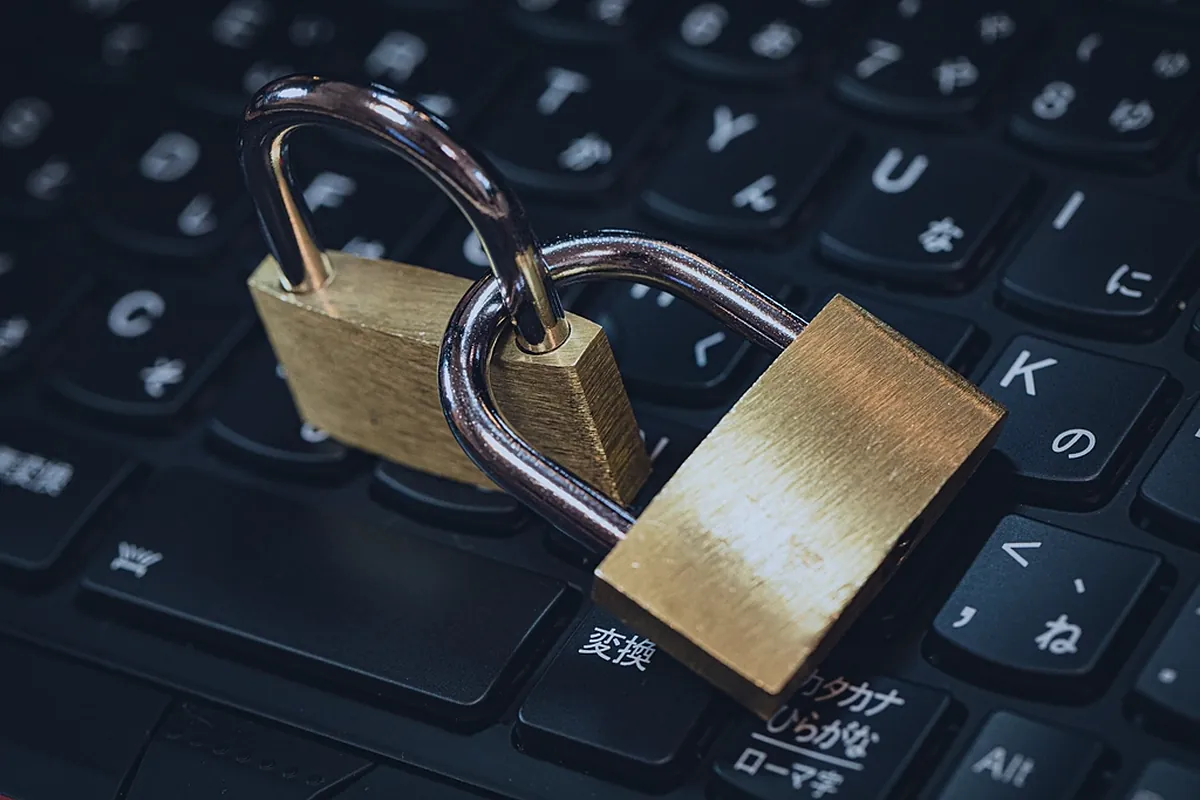
Our homes are more connected than ever. Phones, laptops, smart TVs, games consoles, doorbells and even kitchen appliances all link to the internet. Each connection brings convenience, but also a potential doorway for scammers and cybercriminals. Good household cybersecurity does not require technical expertise, just a handful of simple habits that everyone in the family can follow.
The encouraging news is that most online threats can be stopped with a handful of simple habits. You do not need technical expertise to dramatically improve your family’s safety. This guide covers the cybersecurity basics every household should know.
Why Household Cybersecurity Matters
Cybercriminals rarely target individuals because they are famous or wealthy. Most attacks are automated and opportunistic, looking for weak passwords, outdated software or people who can be tricked into clicking a link. That means every household is a potential target. As more people work from home, as explained in our feature on remote-first companies, the home network has effectively become part of the office.
The consequences can range from annoying to serious: hacked social media accounts, stolen savings, identity theft or private photos exposed. Prevention is far easier than recovery.
Strong Passwords and Password Managers
Weak or reused passwords remain one of the most common ways accounts are compromised. If one website suffers a data breach, criminals often try the same email and password combination on other services.
- Use long passphrases made of several unrelated words, which are easier to remember and harder to guess.
- Never reuse passwords across important accounts, especially email and banking.
- Use a reputable password manager to generate and store unique passwords securely.
- Secure your email account first, since it is often the key to resetting every other password.
Turn On Two-Factor Authentication
Two-factor authentication, sometimes called multi-factor authentication, adds a second step when you log in, such as a code from an app or a physical security key. Even if someone steals your password, they cannot easily get into your account without that second factor.
Enable it on email, banking, social media and shopping accounts. Authenticator apps and security keys are generally more secure than codes sent by text message, but any second factor is much better than none.
Keep Devices and Software Updated
Software updates do more than add new features. They often fix security flaws that attackers actively exploit. Delaying updates leaves those doors open.
- Turn on automatic updates for phones, computers and browsers.
- Update apps regularly and delete ones you no longer use.
- Check smart home devices and routers for firmware updates.
- Replace devices that no longer receive security updates from the manufacturer.
Recognize Phishing and Scams
Phishing is when criminals pretend to be a trusted organization or person to trick you into sharing information, sending money or installing malware. It can arrive by email, text message, phone call or social media. The U.S. Cybersecurity and Infrastructure Security Agency’s Secure Our World campaign offers clear, free household cybersecurity tips for families.
Common Warning Signs
- Urgent language demanding immediate action, such as threats to close your account.
- Requests for passwords, verification codes or payment by gift card.
- Links or sender addresses that look slightly off.
- Unexpected messages about deliveries, refunds or prizes.
- A familiar contact asking for money in an unusual way.
When in doubt, do not click. Contact the organization directly using a phone number or website you already know is genuine.
Scams are becoming more convincing as criminals use AI to write polished messages and even imitate voices. Agreeing on a family “code word” for emergency requests can help verify that a call is real.
Secure Your Home Network
Your Wi-Fi router is the gateway to every connected device in your home. A few adjustments make a big difference:
- Change the default admin password on your router.
- Use strong Wi-Fi encryption, such as WPA2 or WPA3, with a strong network password.
- Create a guest network for visitors and, if possible, for smart home gadgets.
- Be cautious on public Wi-Fi, avoiding sensitive transactions or using a trusted VPN.
Protect Children and Older Relatives
Different family members face different risks. Children may encounter inappropriate content, oversharing or online strangers, while older relatives are frequently targeted by phone and tech-support scams. Teaching family members to question suspicious messages builds on the same skills covered in how to read the news critically.
Open, non-judgmental conversations work better than strict rules alone. Use parental controls where appropriate, review privacy settings together and make sure everyone knows they can ask for help without embarrassment. For more on balancing screens with everyday routines, explore our lifestyle section.
Back Up What Matters
Ransomware, device theft or a simple hardware failure can wipe out precious photos and documents. Regular backups to an external drive or a reputable cloud service ensure you can recover. Many experts recommend keeping at least one backup separate from your main device. Find more practical technology guides from our Editorial Team on NeWorldsMagazine.com.
Key Takeaways
- Household cybersecurity starts with unique passwords, two-factor authentication and regular updates.
- Use long, unique passwords and a password manager.
- Turn on two-factor authentication for important accounts.
- Keep devices, apps and routers updated automatically.
- Pause before clicking links, and verify unexpected requests independently.
- Secure your Wi-Fi, talk with family members about risks and back up important files.
What is the single most important cybersecurity step for a household?
Securing your main email account with a strong, unique password and two-factor authentication, because email controls access to most other accounts.
Do I need antivirus software on my computer?
Modern operating systems include built-in protection that is sufficient for many people, as long as it is turned on and kept updated alongside safe browsing habits.